
B31 Support
Set up your
B31.
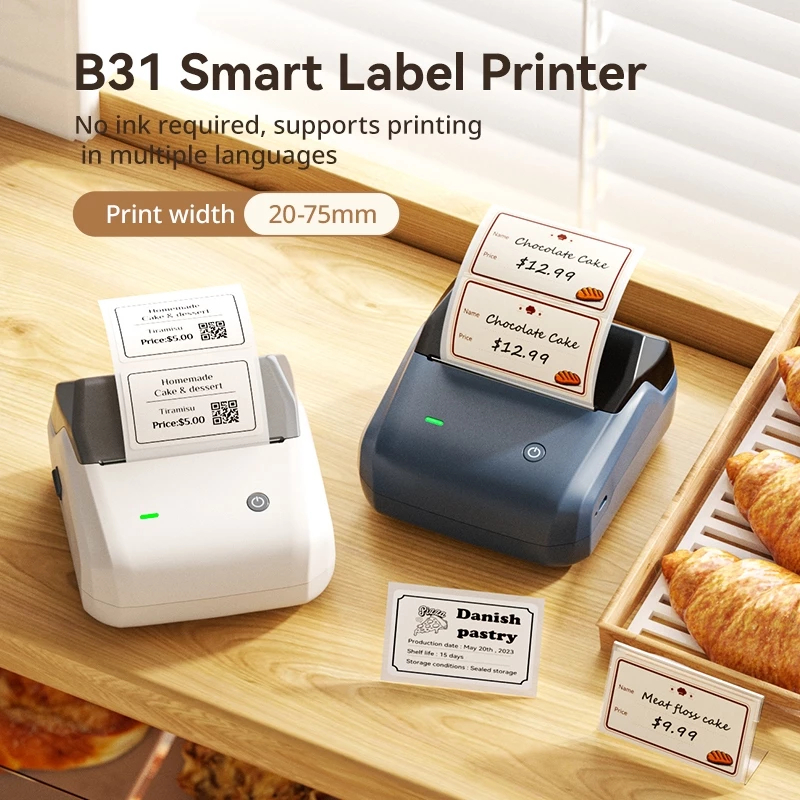
Watch the introduction, load your labels and connect the NIIMBOT B31 for wider retail, warehouse and operational labelling.
Official NIIMBOT Malaysia support · Video tutorial
 Retail · Warehouse · Logistics
Video Tutorial
Everything you need
to get started.
NIIMBOT B31 introduction, setup, and pair to mobile phone.
Meet your printer
Understand the B31 controls, Type-C port and label compartment.
Complete the setup
Load a compatible 20–75 mm label roll, align the guides and close the cover.
Pair your phone
Connect by Bluetooth or USB, then create barcodes, QR codes and business labels.
Downloads
Resources.
Product documentation for certification, setup, pairing and everyday business use.
Product Certification Report
Issued by an authorized institution to verify that the product meets safety, quality or performance standards, ensuring reliability and compliance.
View reportNIIMBOT B31 User Manual
Learn more about setup printer, pair, and design skills.
Download manualWebsite administrator: replace the two PDF placeholder URLs before publishing the download buttons.
NIIMBOT Malaysia
Ready to start printing?
Get the B31 for retail, warehouse, logistics and operational labels, or contact our local team for setup and label compatibility support.